Zipu ego, zụta airtime na data, ma kwụọ bills gị site na nkata. Ọ dịghị app ọzọ, PIN GWC PAY gị na-echekwa ya.
Wallet-as-a-Service · Value Added Services · Bill Payments
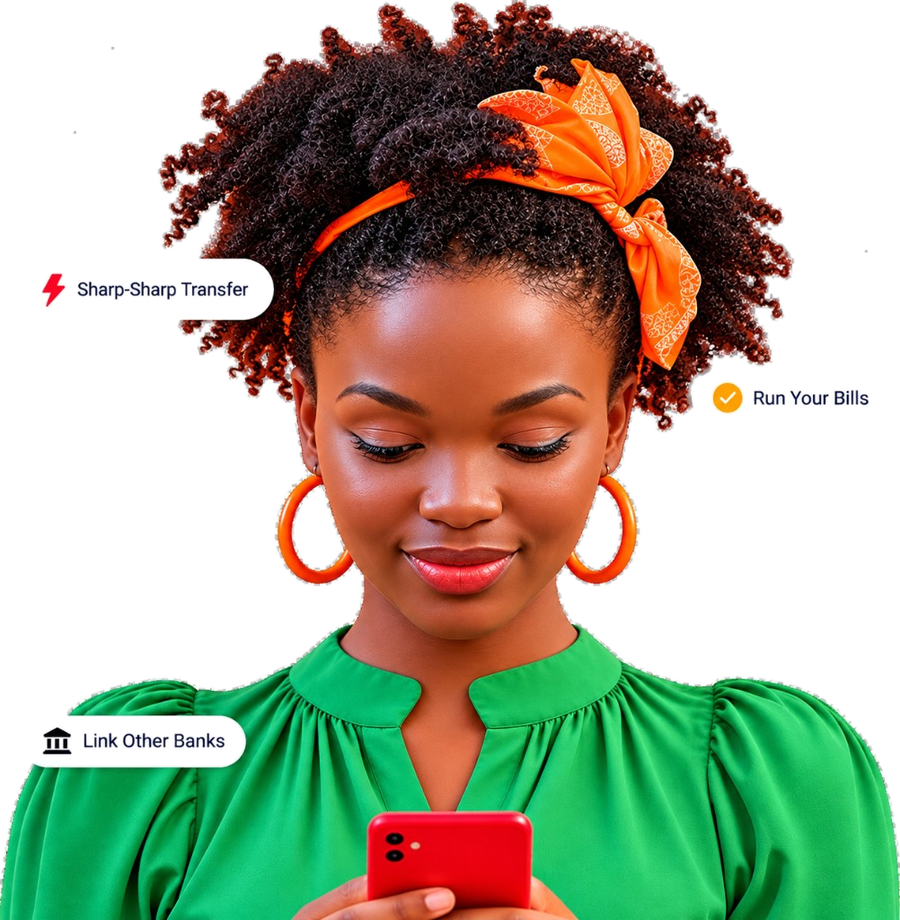
Choose a service in the chat, confirm the amount, then approve it with your PIN.
Bills, airtime, and transfers stay in the WhatsApp chat you already use.
Already on your phoneAirtime, data, electricity, cable, and transfers use the same GWC PAY wallet.
One walletA payment is confirmed with your transaction PIN. The PIN is not typed in the chat.
Not typed in the chatYour account number is issued in the app after BVN and NIN verification.
After BVN and NINThe same bill payments you use on the website, started from WhatsApp.
MTN, Airtel, Glo, and 9mobile.
In the chat arrow_forwardPrepaid and postpaid bills.
Token in the chat arrow_forwardDSTV, GOTV, and StarTimes.
Renew in the chat arrow_forwardFund a betting wallet from the chat.
From the chat arrow_forwardSend to a GWC PAY wallet or a bank account.
Wallet or bank arrow_forwardUSD cards from the linked account.
Linked account arrow_forwardSubmit a request for review.
Sent for review arrow_forwardTurn WhatsApp alerts on after you link.
After you link arrow_forwardCreate an account in the popup, or link the phone already on your GWC PAY profile. Complete BVN and NIN in the app to receive an account number.
Account number after KYCPick a service, confirm the amount, and approve it on the secure PIN form.
PIN stays off the chatNo. The PIN is entered on the secure form. A 4-digit chat message is not treated as a PIN.
After BVN and NIN verification in the app. The WhatsApp number is the chat contact. It is not the account number.
Link WhatsApp after your account is ready. Set a transaction PIN in the app before you pay from the chat.